 xcv
xcvLives in the notch
One spring turns the notch into your history. On a Mac without a notch, it hangs from the top of the screen as a small pill.
Press ⇧⌘V and everything you've copied springs out of the top of your screen. Text, links, images, files and colours, ready to paste straight back where you were.
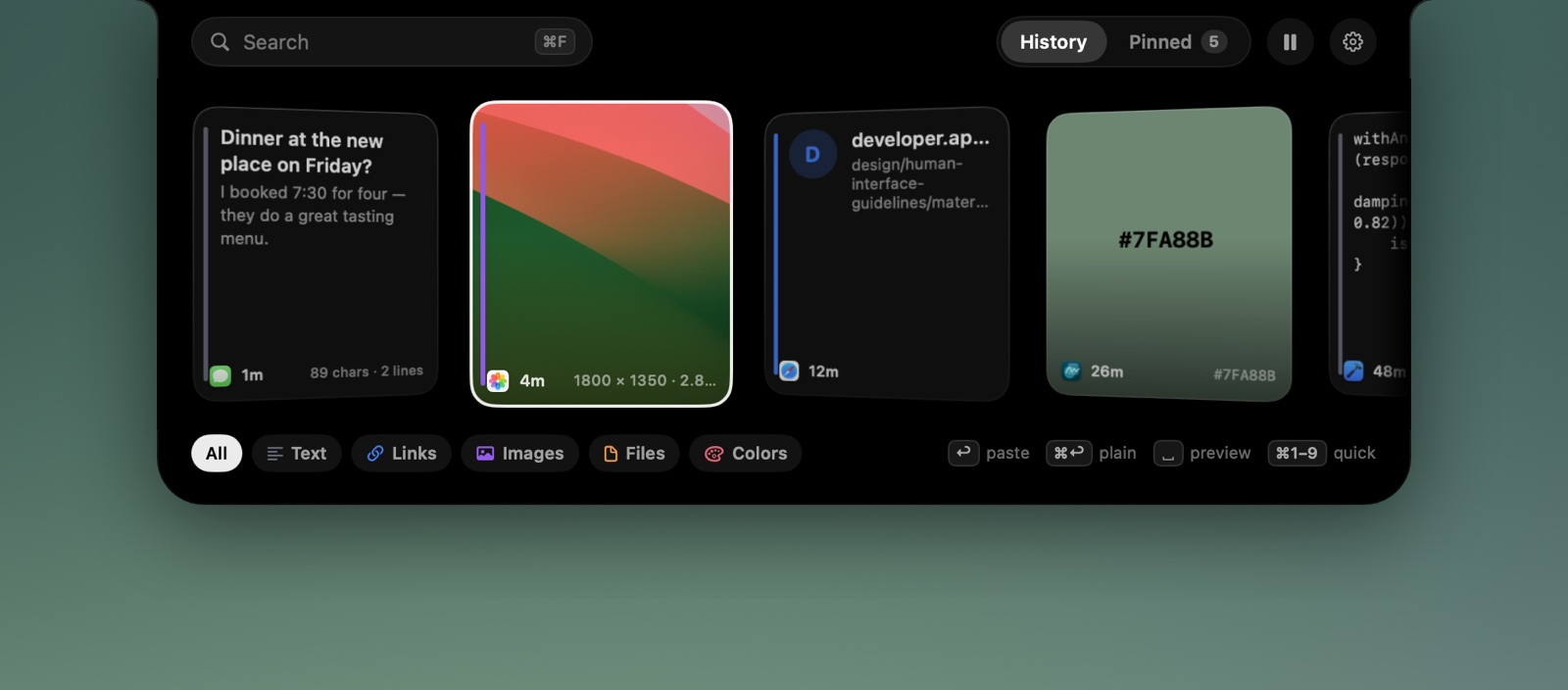
xcv quietly keeps what you copy and gives it back the moment you need it, without a window to manage or a Dock icon in the way.
One spring turns the notch into your history. On a Mac without a notch, it hangs from the top of the screen as a small pill.
Photos show as thumbnails, links show their site, colours become swatches, files keep their icons. Each card shows the app it came from.
Return pastes into the app you were using. ⌘↩ pastes as plain text, and ⌘1–9 grabs one of the first nine cards.
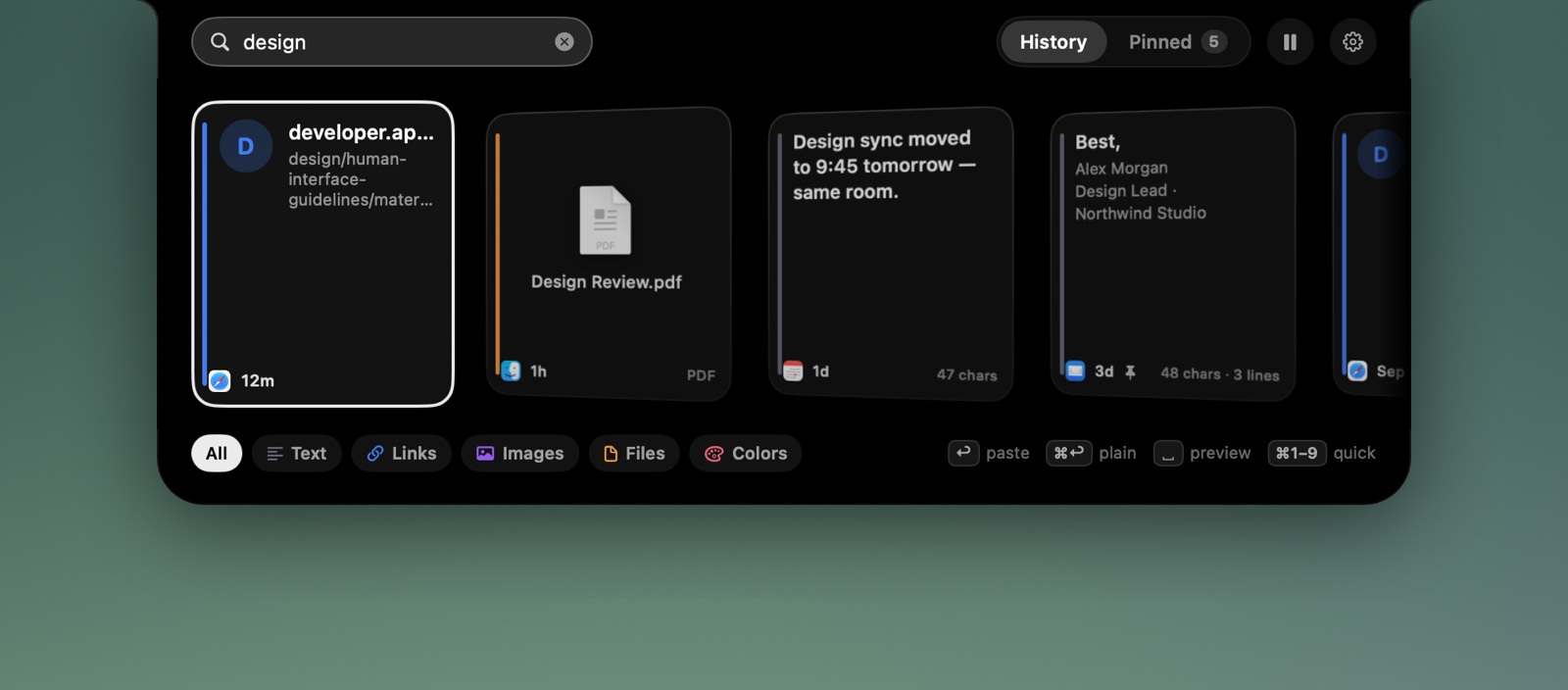
Start typing and the strip narrows as you go. Filter by text, links, images, files or colours with a click.
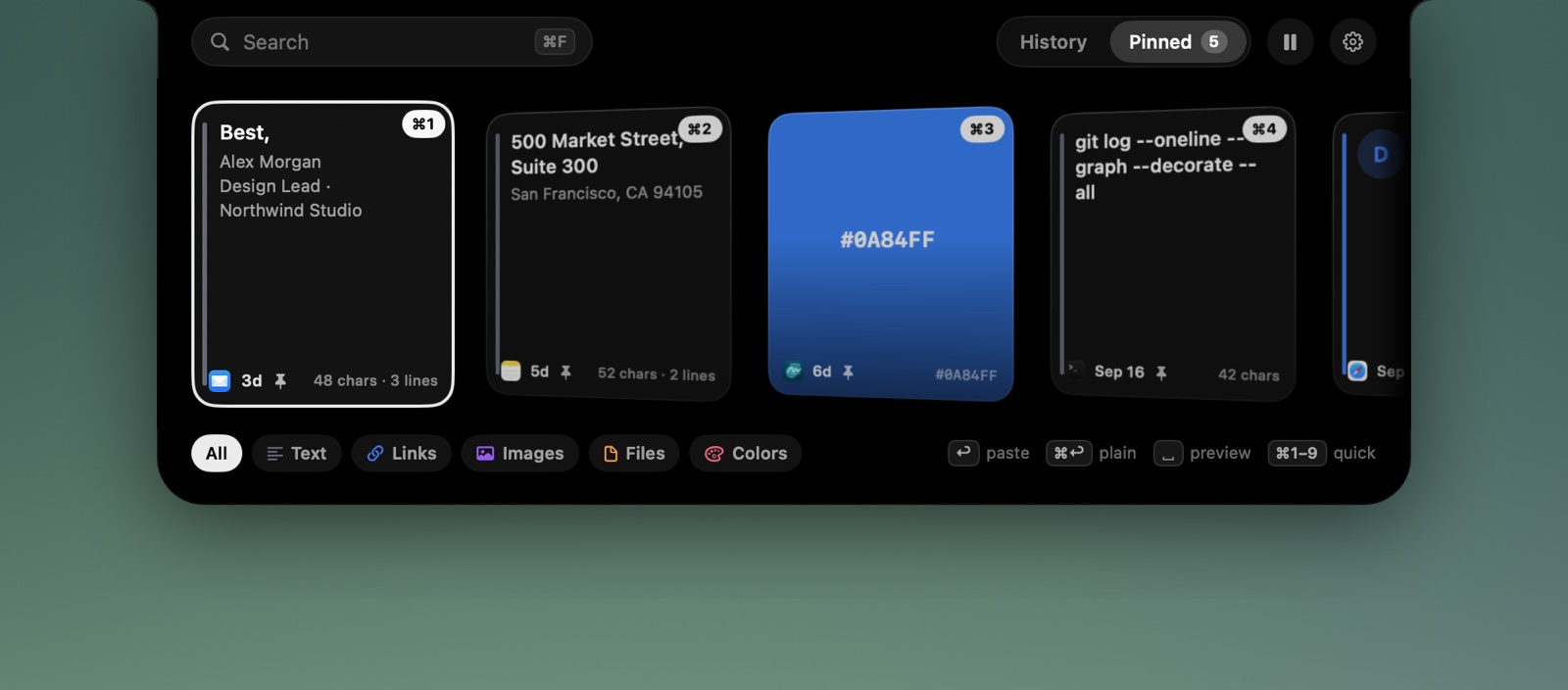
Addresses, replies you send every week, the hex code you always forget. ⌘P keeps them forever.
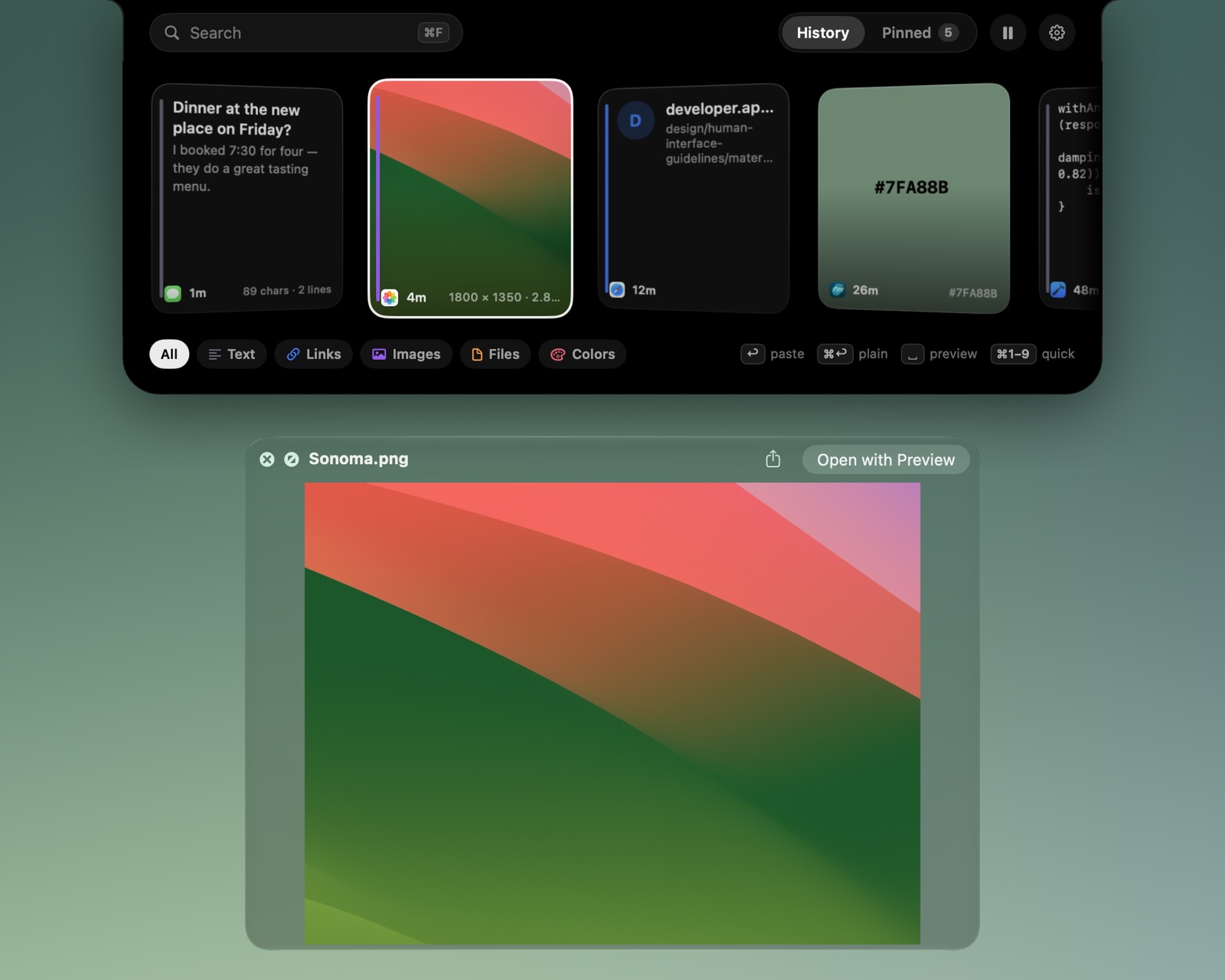
Drag any card into another app, or drop things onto the island to keep them. Space opens Quick Look.
Search looks through the text, the site, the file name and the app something came from, so “invoice safari” finds exactly the link you meant.
Pinned items live in their own tab and never expire, whatever your history settings.
Press Space for a full Quick Look preview, then flick through cards with the arrow keys while it's open.
Prefer a panel that slides in from an edge? Move the island to the top, bottom, left or right of the screen. The sides use a vertical list.

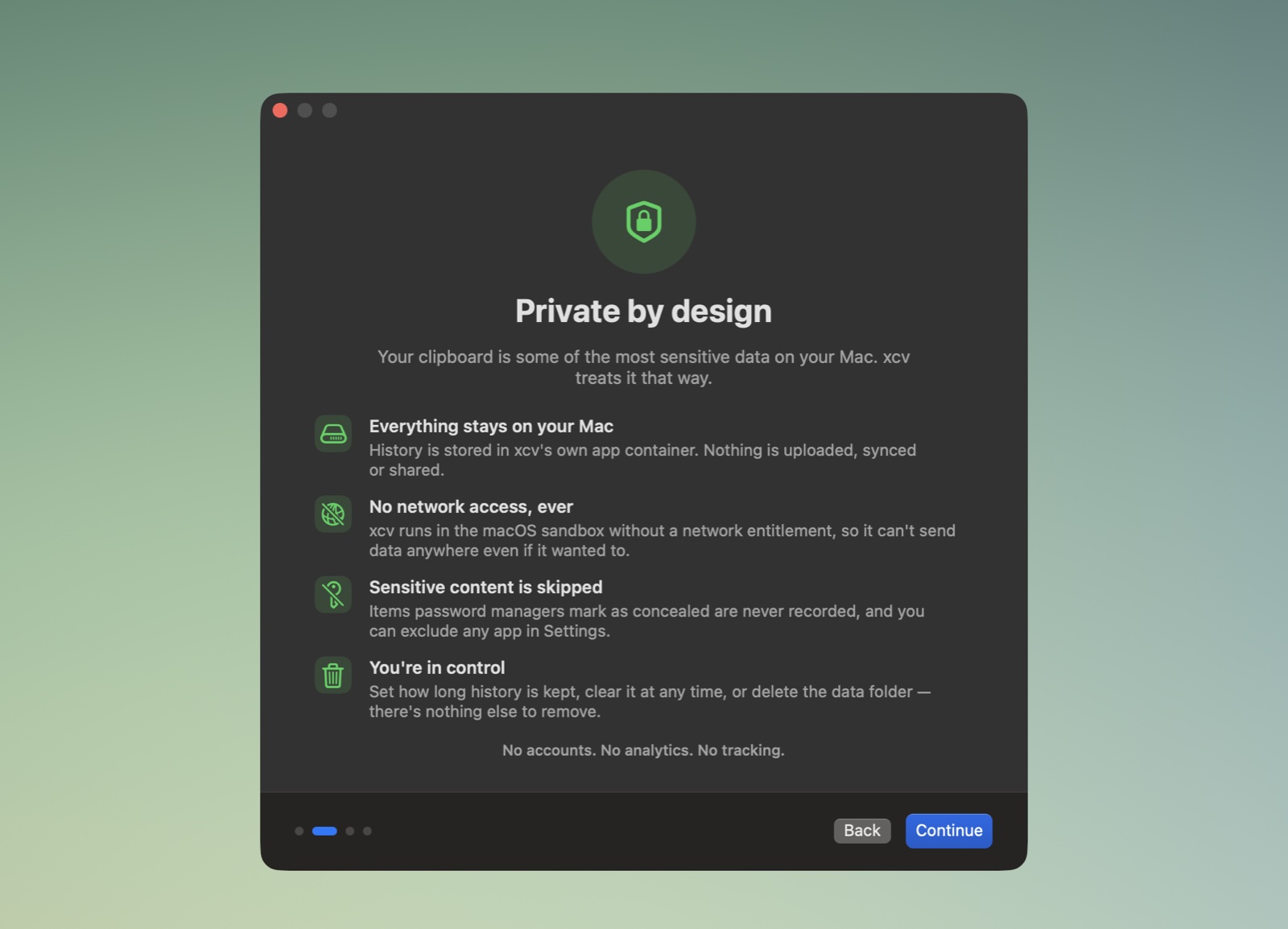
Your clipboard holds passwords, addresses and half-written messages. xcv treats it that way.
No accounts. No analytics. No tracking. This website doesn't track you either: no cookies, no analytics, nothing loaded from anyone else. Read the privacy policy.
xcv is a free download with a 14-day trial of every feature. No account, no subscription.
$0forever
After the trial, for as long as you like.
$10once · USD
A single in-app purchase through the App Store.
After the trial, older items are only hidden, never deleted. Unlock and they're all back. Prices outside the US are set by the App Store in your local currency. Payment is handled entirely by Apple; xcv never sees your payment details.
So it can press ⌘V for you and paste a card straight into the app you were using. It's optional. Without it, Return copies the card and you paste it yourself. xcv never reads your screen or other apps through this permission.
No. xcv has no network access at all, so your history can't be uploaded, synced or sent anywhere. It lives in xcv's own folder on your Mac until you delete it.
Nothing disappears. xcv keeps recording and shows your newest 25 items and up to 3 pins. Older items are hidden, not deleted, and come back the moment you unlock.
Yes. The island hangs from the top of the screen as a small pill, or you can have it slide in from any edge.